It scripts what you will say, feeds you the line, backs you up when the
questions start, and leaves with the note. All anyone watching sees is
you, on a very good day.
Right there for you. Gone from the recording.
Invisible to every capture
Zoom
Google Meet
Microsoft Teams
Loom
QuickTime
OBS
Screen recordings
Screenshots
Zoom
Google Meet
Microsoft Teams
Loom
QuickTime
OBS
Screen recordings
Screenshots
Zoom, Google Meet, Microsoft Teams, Loom, QuickTime, OBS, Screen recordings, Screenshots
The idea
Watch it disappear.
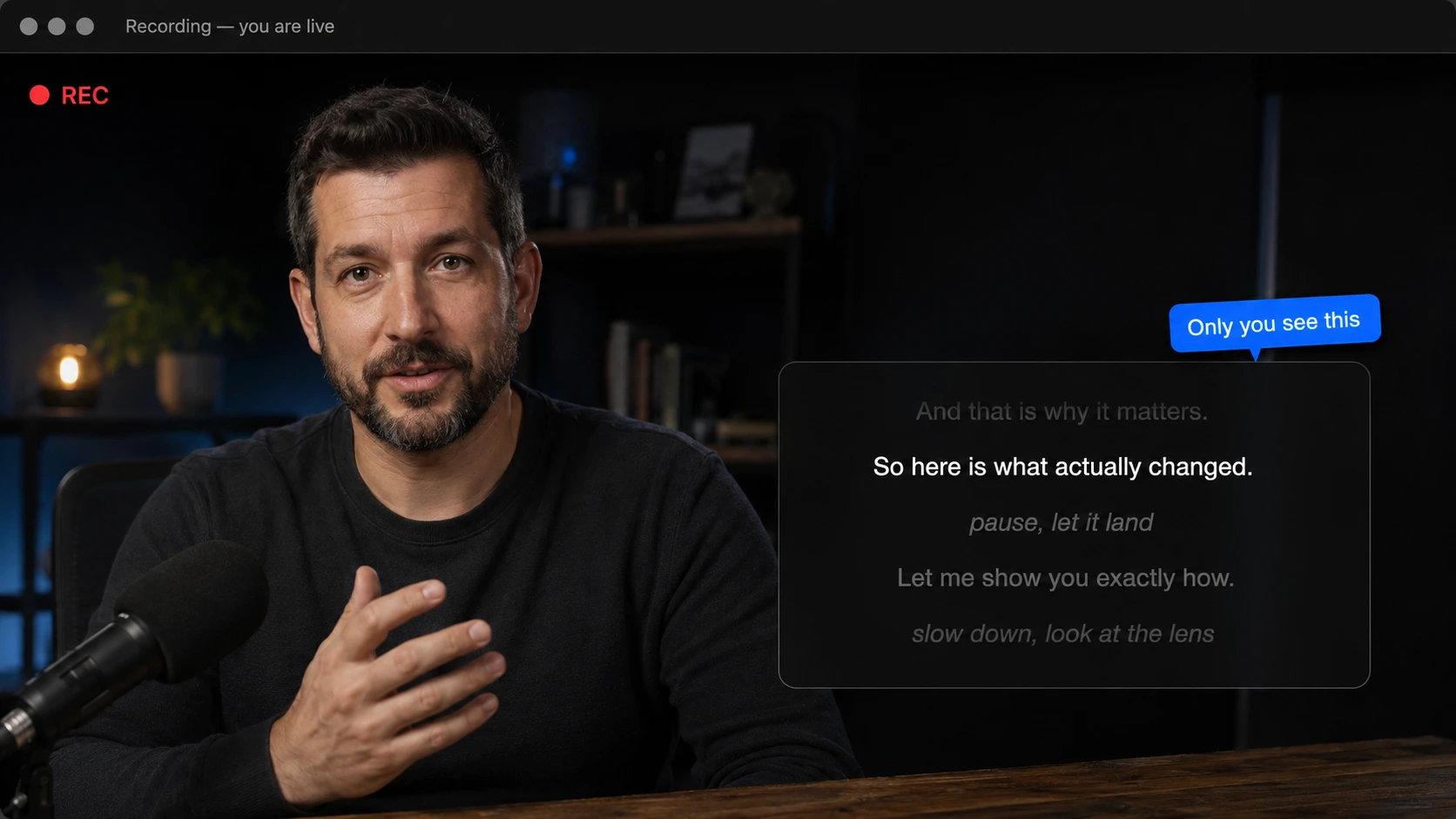
Most teleprompters have one fatal flaw: hit record or share your screen,
and there they are, sitting in the shot. Cuelens opts out of screen
capture at the system level. Here is the same moment, twice.
What you see
Only you see this
Welcome back, and thanks for being here.
Today I want to show you three things.
The first is the part nobody else can do.
Everything you are reading right now
is on my screen, and not in this recording.
Which brings me neatly to the second thing.
Welcome back, and thanks for being here.
Today I want to show you three things.
The first is the part nobody else can do.
Everything you are reading right now
is on my screen, and not in this recording.
Which brings me neatly to the second thing.
What the recording seesREC
One honest exception: a camera physically pointed at your screen can still
see it. That is not a fight software can win. Everything that runs on your
Mac, though, comes up clean.
How it works
Before, during, and after.
One call, start to finish. Cuelens works every part of it.
Before
01Before
Script it, your way
Write it, paste it, import it, or rough it out as three bullets and pure confidence. The AI drafts from bullets, trims to your time budget, and matches your tone, and it already knows your script, so you never explain yourself twice.
During
02During
Deliver it invisibly
The panel floats over your call and skips every capture. Scroll at your pace, or run the whole take from your phone. And when a hard question lands, your AI slides the facts onto your prompter before the silence gets weird.
After
03After
Leave with the note
Everyone else leaves the call trying to remember what was agreed. You leave with the note, written from a transcript that never left your Mac, ready to export as PDF, Markdown, or text.
What's inside
A calm, capable stage crew.
Every backstage job, handled: before, during, and after you speak. The spotlight stays on you.
It moves on cue
Mark a spot in your script and the panel choreographs itself: into the corner for the demo, wide for the big monologue, back again the moment you reach the line. Save any layout and summon it with one key. Your own tiny stage manager.
AI that listens and answers in meetings
Flip on listening and Cuelens transcribes the call right on your
Mac: nothing uploads, and no bot barges into the meeting wearing
your name. Ask the chat about anything said, pull up the facts and
talking points you need while the conversation is still moving, and
walk away with a tidy note, or with no trace at all, your call.
Bring your own key, from OpenAI, Anthropic, or
Google, and it never leaves your Keychain.
Notes, not just scripts
Some talks are a script. Some are three bullets and nerve. Switch any document to notes with checklists you tick off as you land each point, then export the lot as clean PDF, Markdown, text, or rich text.
Your phone, the remote
Scan a code and run the whole take from your hand: play, pace, scrub, even ask the AI. The answers land on your Mac and never in the recording, while you never once reach for the keyboard.
Yours, and private
Your scripts stay on your Mac. Your AI key stays in your Keychain. No account, no cloud, and no cookie banner, because there is nothing to collect.
About the AI
It runs on your key, not our meter.
Cuelens does not sell you AI. You bring a key from ChatGPT, Claude, or
Gemini, and everything smart in the app runs on it. No model names to
learn: Cuelens picks a good one for you. Here is the whole of it, in
three steps.
01
Get a key
Sign in with the maker of ChatGPT, Claude, or Gemini and copy an API key. It is a five minute job, Cuelens shows you exactly where, and Gemini’s is free for light use, no card needed.
02
Paste it once
The key lives in your Mac’s Keychain and is sent only to the provider you chose. Cuelens never sees it, never stores it anywhere else, and has no server it could send it to.
03
Pay cents, or nothing
Your provider bills you for exactly what you use: a drafted script or an answered question is usually about a cent, and Gemini’s free allowance often covers it entirely. No AI subscription from us on top. Ever.
Prefer no AI at all? Skip the key. The invisible teleprompter, notes,
and phone remote work without one, and the AI stays completely out of
the way.
Made for
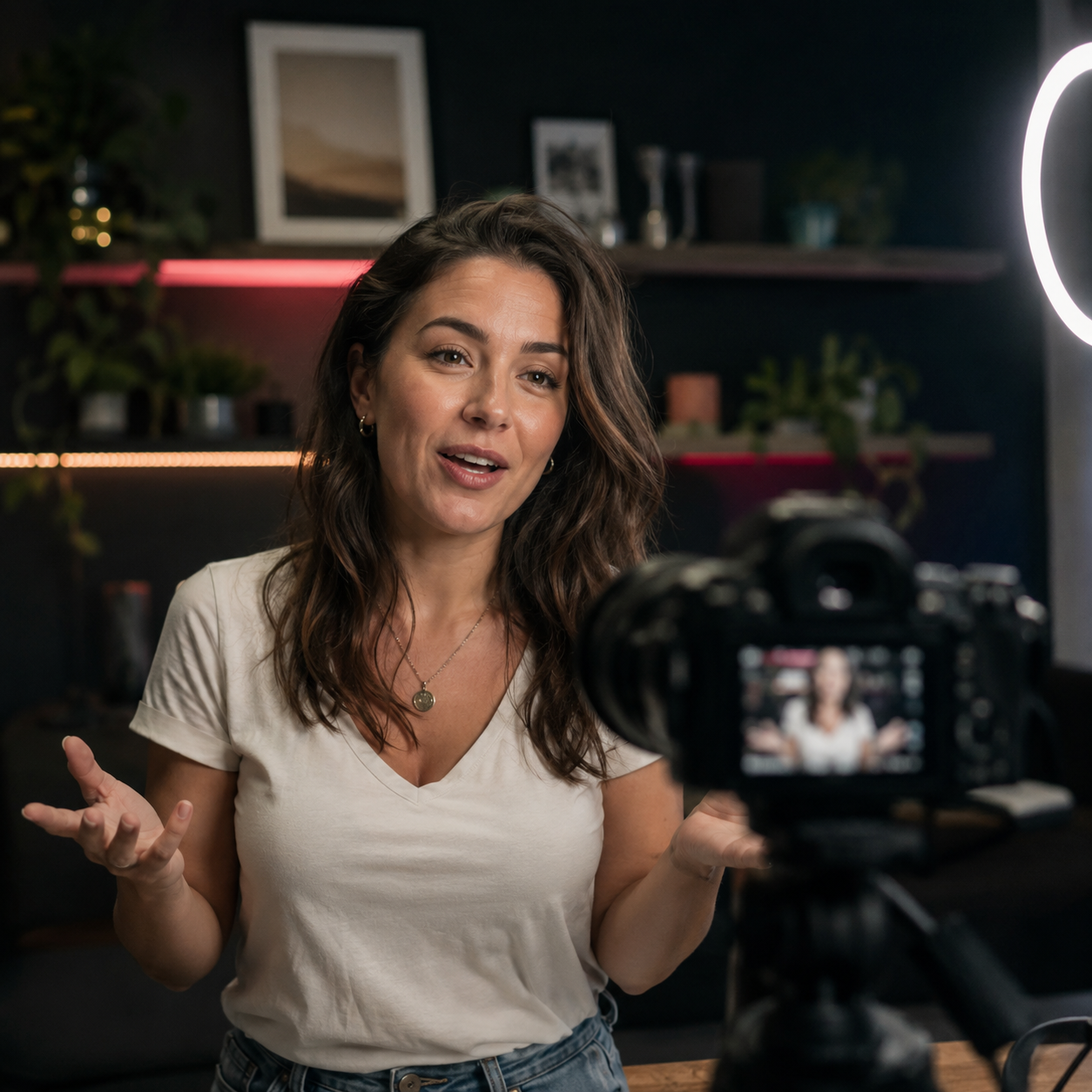
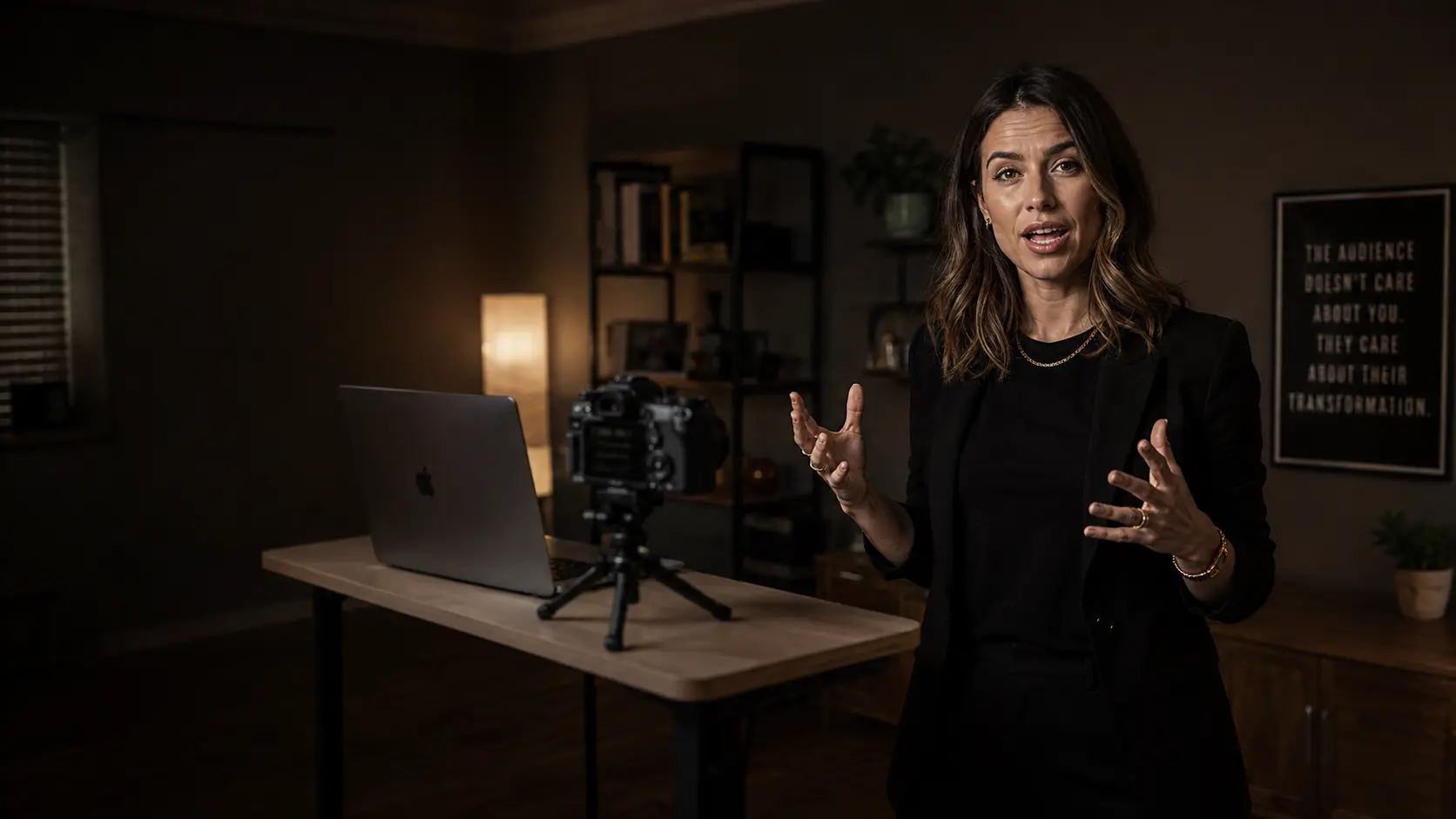
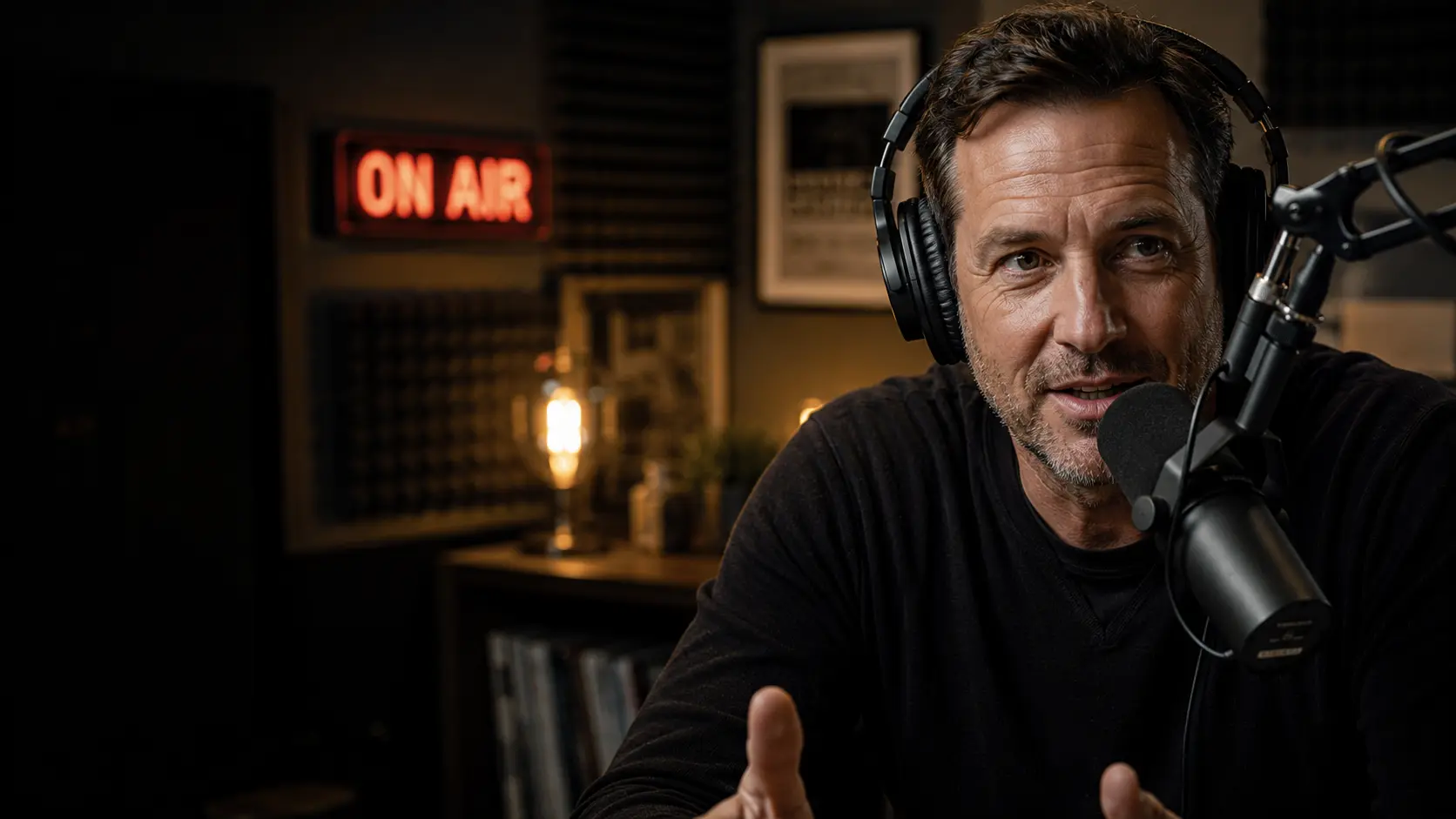
Anyone who speaks to a lens.
Creators & YouTubersLand a clean take on the first try, without memorizing a word.StreamersKeep your talking points up while you stay locked on the camera.Webinar & course hostsShare your screen and read your script in the same breath.Founders & salesHit every beat of the pitch, and leave every call with the note.Public speakersRehearse and deliver with your notes exactly where your eyes are.PodcastersKeep the outline in view, and never shuffle a page on mic.
Questions
Straight answers.
Is it really invisible in recordings and screen shares?
Yes. The panel opts out of screen capture at the macOS level, so it is absent from Zoom, Google Meet, Microsoft Teams, Loom, QuickTime, OBS, screen recordings, and screenshots. The one exception is a separate camera physically pointed at your display, which no software can prevent.
Can people tell I am reading?
Not the way they can with a side monitor or a teleprompter app. Cuelens sits right under your camera, so your eyes stay on the lens instead of drifting off to the side, and since the panel never shows up in the capture, there is nothing in the frame to give it away. What people see is you, holding their gaze.
How is this different from a browser teleprompter or an OBS overlay?
Those live inside your capture: whatever you can see, your recording sees too. Cuelens is the opposite. The prompter opts out of capture at the system level, so it sits right there on your screen while you read but never lands in the video. Invisible where it counts, present where you need it.
Does it work with OBS, Zoom, and my streaming setup?
Yes, with all of them, because Cuelens never touches your camera feed or your capture. It is a separate layer on your screen, so it runs alongside OBS, Streamlabs, Zoom, Meet, Teams, Loom, and any virtual camera. No plugins, no rewiring your setup.
Will it slow down my Mac or hurt recording quality?
No. Cuelens draws a light native panel and reads your script. It does not encode, capture, or sit anywhere in your video pipeline, so your frame rate and recording quality are exactly what they were before you opened it.
Can I run a take without touching the keyboard?
Yes. Pair your phone as a remote and run the whole take from your hand: play, pause, pace, and jump, while you stay on camera and never reach for the keys. You can also let the script drive itself, so the panel moves on cue from the lines you wrote, gliding to a corner or going wide the moment you reach a spot, and much of a take needs no input at all. (Prefer the keyboard? Hotkeys and quick keys do the same from your Mac.)
What does "listens and answers in meetings" actually do?
Turn it on and Cuelens transcribes the call on your Mac, entirely on device, so nothing said is ever lost. You can ask about any point from the conversation, pull up the facts and talking points you need while the discussion is still moving, and keep the transcript as a tidy meeting note when you stop, or discard it and leave no trace. Nothing is uploaded, no bot joins the call, and no audio is stored. One responsibility that stays yours: recording laws differ by place, so announce the note taking where consent is required.
Do I have to pay for the AI?
Cuelens never charges you for the AI. You bring your own key from OpenAI (ChatGPT), Anthropic (Claude), or Google (Gemini) and pay that provider directly for what you use, which for a script is usually about a cent. Gemini has a free tier that covers light use entirely, no card needed. Spending stays under your control too: OpenAI and Anthropic are prepaid, so your worst case is the credit you loaded, and every provider shows your live usage on its site. There is no AI subscription from us on top, no model names to learn (Cuelens picks a good one, with a simple quality dropdown if you care), and your key stays on your Mac in the Keychain, never passing through us.
What if I do not want to use AI at all?
Then leave it off. Cuelens is a full teleprompter and notes app without ever adding a key. The AI is there for the moments you want a line reworked or a question answered on the spot, and completely absent the rest of the time.
Does my script leave my Mac?
Your scripts and notes are stored locally. The only thing that ever leaves is a prompt you send to the AI, and that goes straight to the provider you chose, with your key. Cuelens has no account and no server holding your content.
Which Macs are supported?
macOS 14 Sonoma and later, on Apple silicon and Intel.
Is there a Windows version?
Not yet. Cuelens is Mac only today, and a Windows version is on the roadmap, built to bring the invisible teleprompter, notes, and AI with it. We will announce it here the moment it lands.
How much does it cost?
Cuelens launches very soon; join the waitlist and the download lands in your inbox the day it is ready. There is a free tier that stands on its own, and Cuelens Pro for a single $49 purchase, no subscription.
INVISIBLE
Join the waitlist
Your words on camera, off the record.
Cuelens launches soon. Leave your email and the download lands in your inbox the day it is ready.